
Google used its pre-I/O event, The Android Show 2026, to unload a wave of announcements — some expected, one a genuine surprise. The stream ran for roughly an hour on May 12, 2026, and by the end, Android had picked up a new AI layer, a fresh set of features, and an entirely new computing platform nobody saw coming.
Gemini Intelligence Takes Over
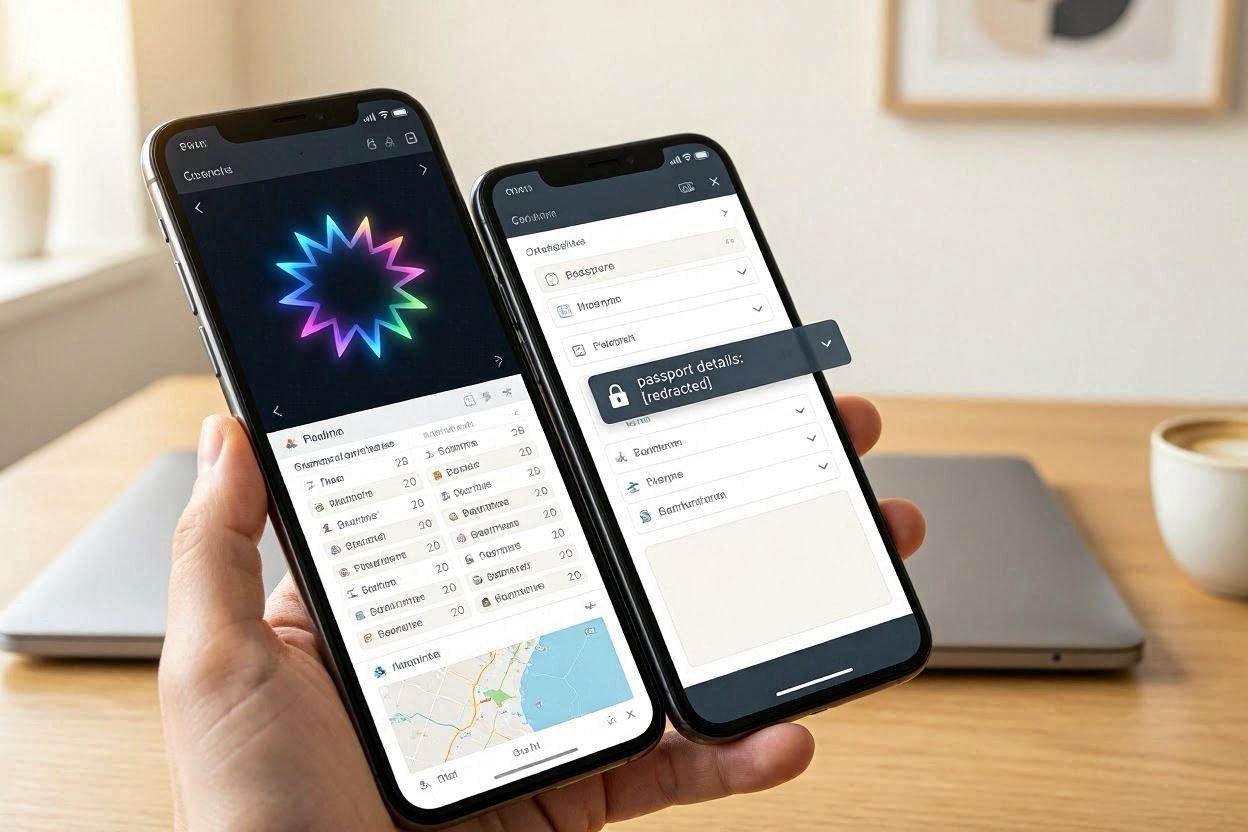
The headline news was Gemini Intelligence, a more proactive, behind-the-scenes version of Gemini built into Android itself. Rather than waiting to be asked, it’s designed to handle tedious multi-step tasks on its own — building widgets, booking a rideshare, or tracking down concert tickets in a specific section. An updated interface will surface when the AI is actively working in the background.
One of the more practical touches: Gemini Intelligence can pull saved details — like a passport number or loyalty card — from your password manager to auto-fill forms that weren’t built with mobile in mind. It’ll roll out first on Samsung Galaxy and Google Pixel devices later this summer.
Android 17 leans on that same AI layer for widget creation — just describe the widget you want in plain language, and it gets built. Those widgets aren’t locked to your phone either; they can be pushed to a smartwatch.
Android 17’s Other Big Swings
Beyond the AI features, Android 17 picks up a handful of creator- and wellbeing-focused tools:
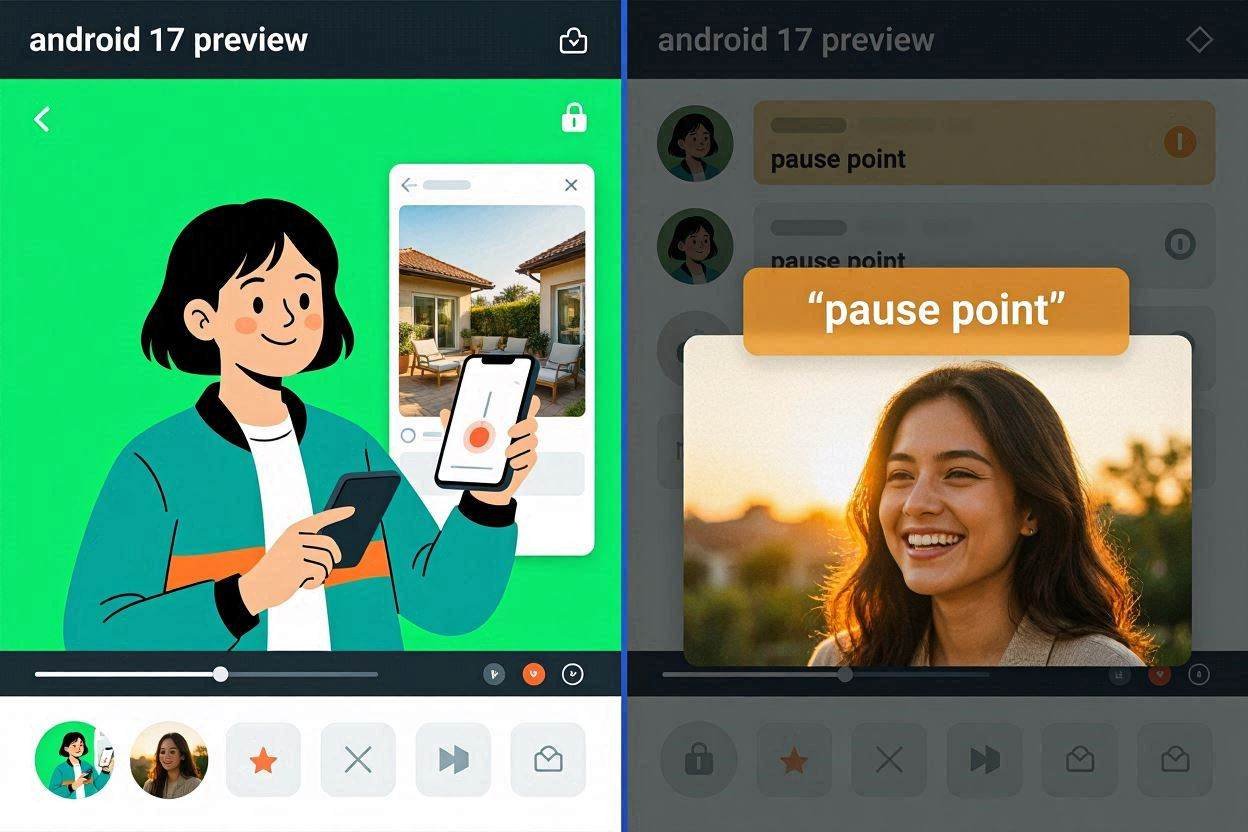
- Built-in green-screen recording — content creators can cut themselves out of a background directly within a screen recording, no third-party app required.
- Smarter video and audio capture — including the ability to clean up your voice in already-recorded video, echoing a feature Apple has offered.
- “Pause Point” — a new approach to screen-time limits. Instead of a simple unlock prompt when you open a flagged app, you might see family photos, a nudge toward a different app, or a suggestion to just step away from your phone.
Android Auto Gets More Adaptive
Android Auto is getting a redesigned, more immersive map experience, along with a display that adapts to wildly different screen sizes and shapes across car brands — from a BMW to a Lucid to a Mini Cooper. Widgets are coming to the car dashboard too, and if your phone supports Gemini, Gemini Intelligence comes along for the ride.
The Real Surprise: Googlebook
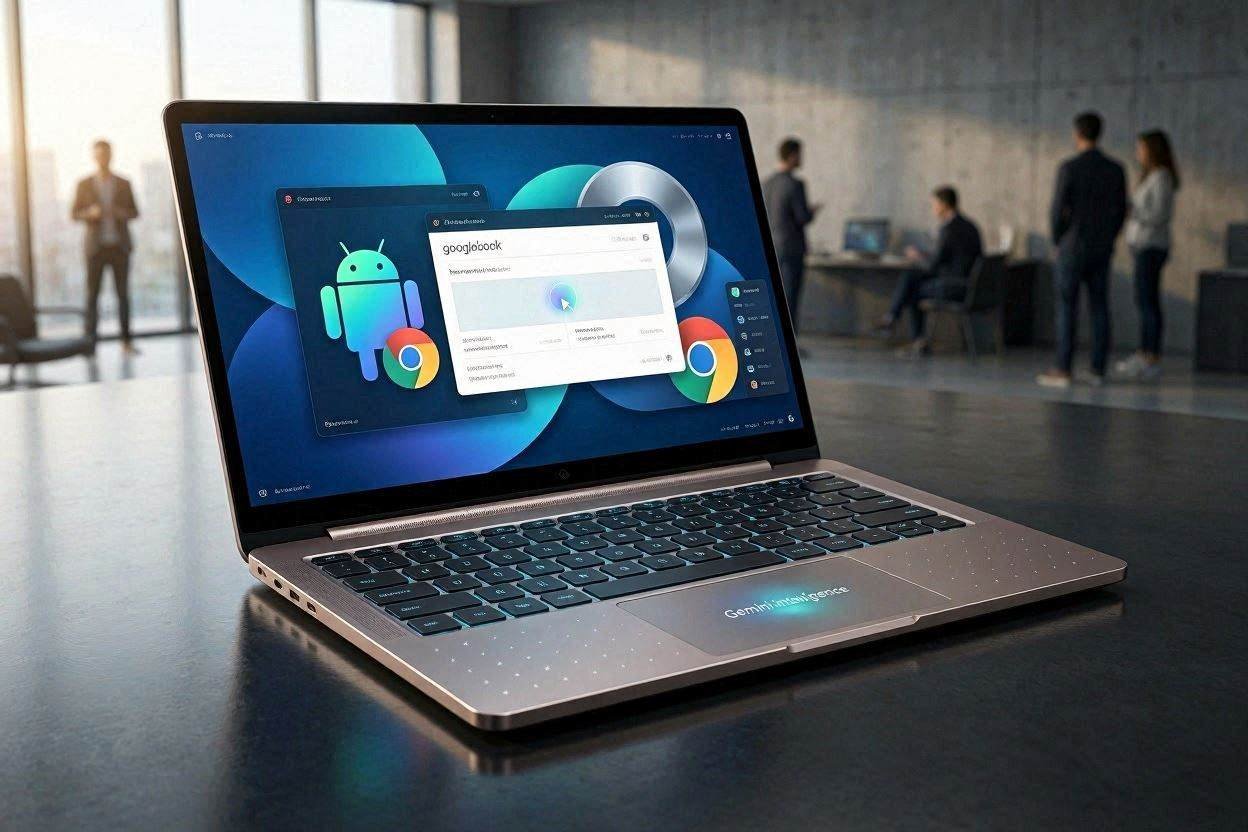
The event’s biggest twist wasn’t a phone feature at all — it was Googlebook, a new hardware platform that blends the best of Android and ChromeOS into something new. It introduces a reimagined cursor experience and puts Gemini Intelligence at its core, with a wave of laptops built around the platform reportedly on the way.
Parental Controls for All Android Devices
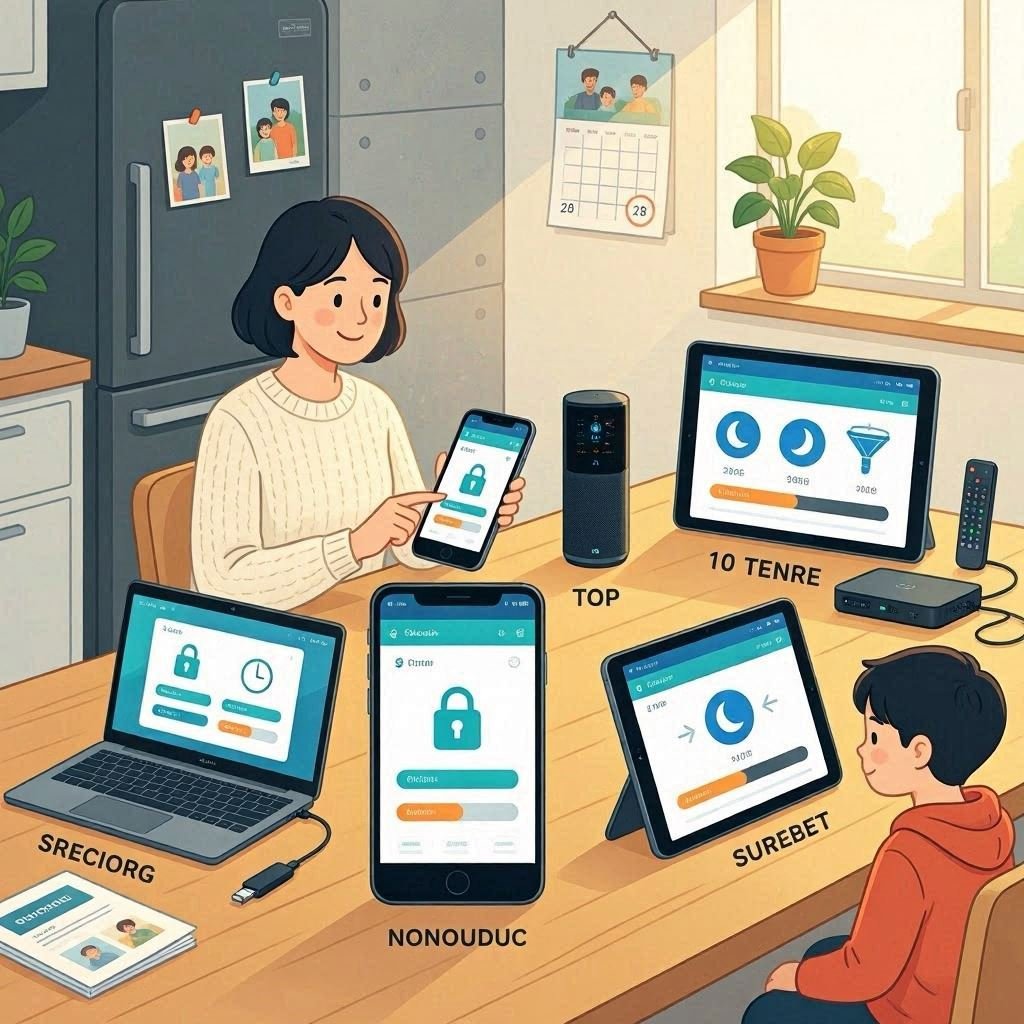
Parental controls were previously limited to Pixel phones, but they’re now being expanded to all devices running Android 17.
Since only Google Pixel phones are currently receiving Android 17, this won’t feel like anything new for existing Pixel users. However, as other brands roll out Android 17 to their devices, this feature will become available to their users as well.
With these new parental controls, parents will be able to:
- Set daily screen time limits for their children
- Schedule downtime periods, so phone usage is automatically restricted during specific times like bedtime or study hours
- Control or block access to specific apps
- Apply age-based filters on the app store, ensuring children can only download age-appropriate apps
The goal of these features is to give parents better oversight of their children’s digital activity and help create a safer digital environment for them.
Multitasking Bubbles
If you like keeping multiple windows open at once, you’ll probably appreciate Android 17’s new ‘Bubbles’ feature. It lets you turn virtually any app into a floating bubble that stays on top of whatever else you’re doing, so you can quickly glance at it, interact with it, or expand it without losing your place in the app you were already using.
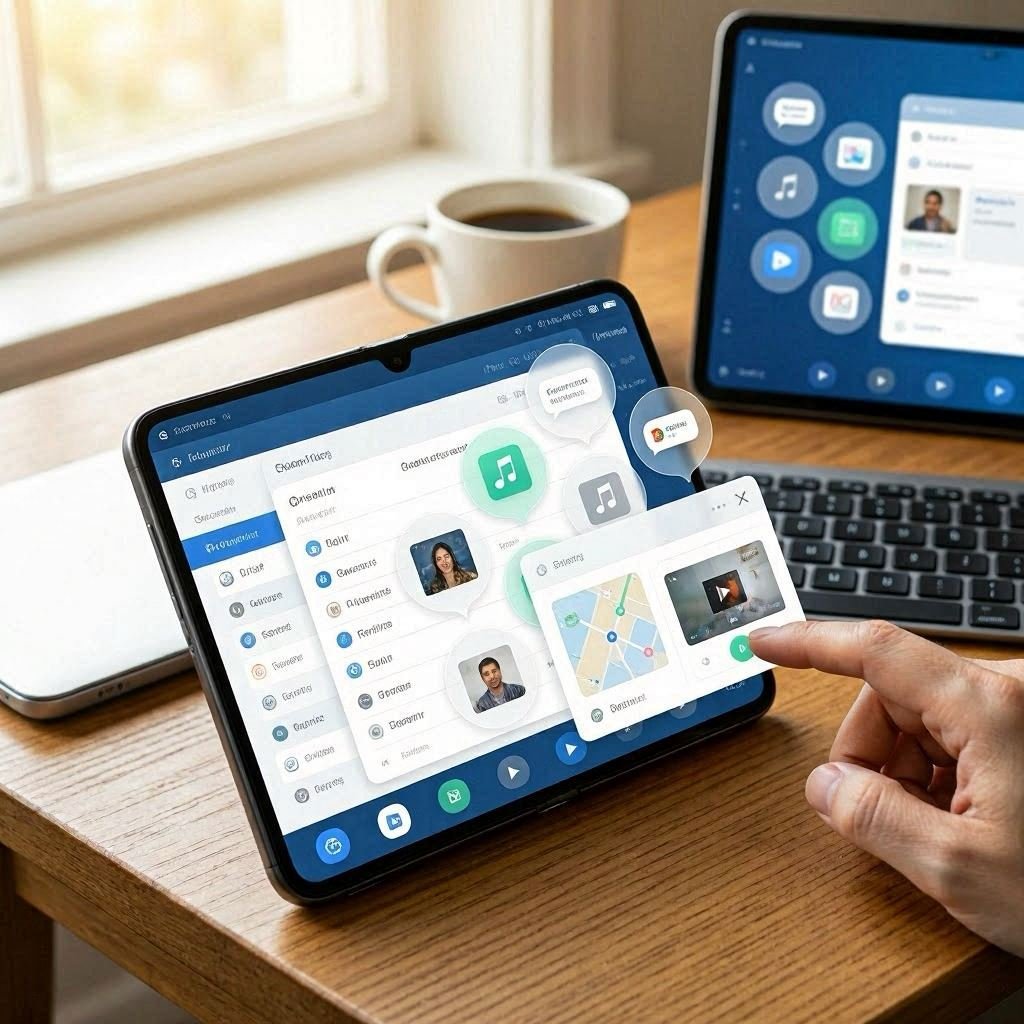
This feature is likely to shine brightest on large-screen devices like foldable phones and tablets, which even come with a dedicated ‘Bubble bar’ at the bottom of the screen, making it easy to quickly resize, rearrange, and switch between multiple floating apps at once. That said, Bubbles isn’t exclusive to bigger screens — it works on standard phones too, and crucially, it’s compatible with every app, not just a select few that have been specifically optimized for it. Whether you’re replying to a chat while browsing, keeping an eye on a video call, or jotting down notes while reading an article, Bubbles makes it much easier to multitask without constantly switching back and forth between full-screen apps.
Contact Picker
Contact Picker is a small but potentially very useful new feature that lets you choose to share only specific contacts with an app, rather than your entire contact list. Previously, if an app needed access to even a single contact, you’d have to grant it access to all of your contacts — far from ideal from a privacy perspective — so this update finally lets you be selective. It’s one of several new privacy and security features in Android 17, alongside others like the ability to grant apps temporary access to your precise location, and improvements to Live Threat Detection that help your phone block more scams and suspicious apps.
Hide App Labels
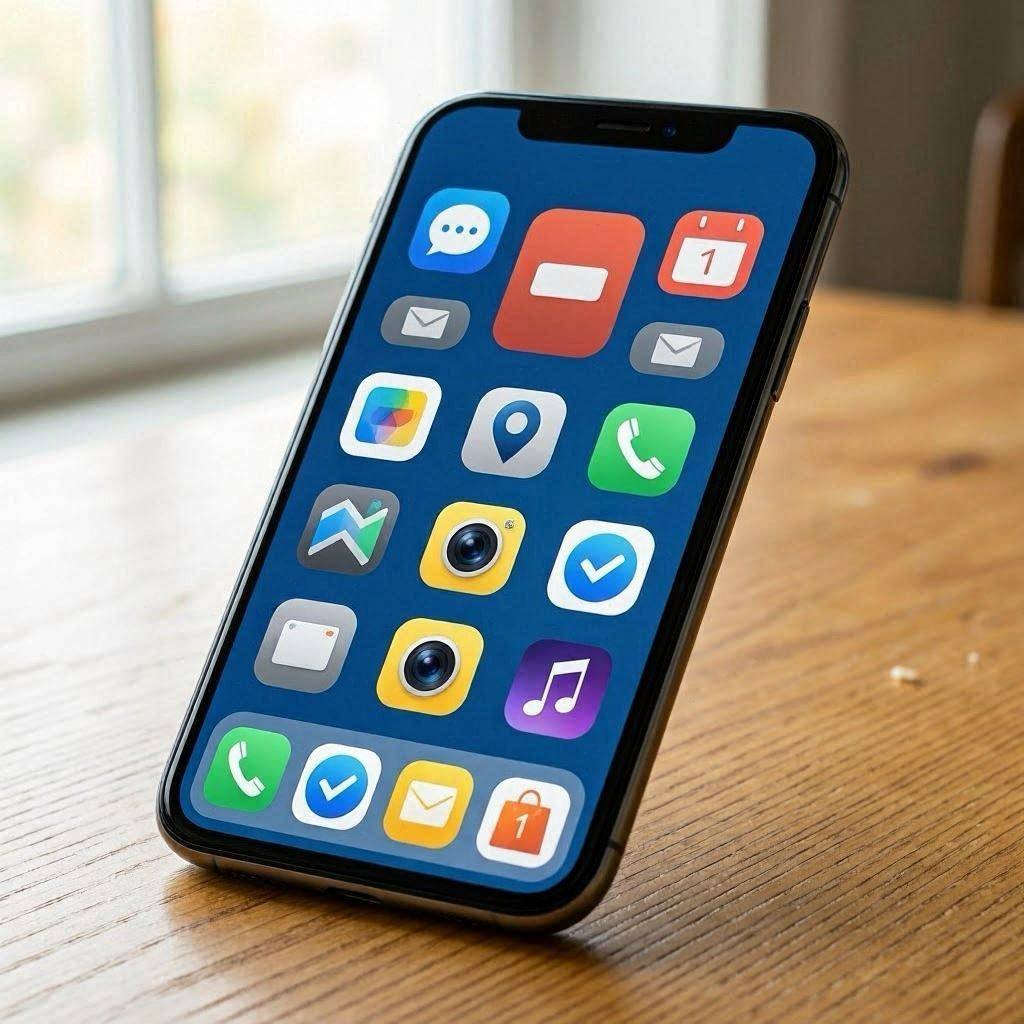
It’s a small feature, but one that could noticeably change the look of your home screen: Android 17 now lets you hide app labels, leaving you with a cleaner, less cluttered layout made up of icons alone. The trade-off, of course, is that you’ll need to recognize apps purely by their icons — and if you can’t, you might find yourself tapping around to figure out which is which. Still, for those who prioritize a minimalist look, this could be a small change that makes a big visual difference.
Continue On
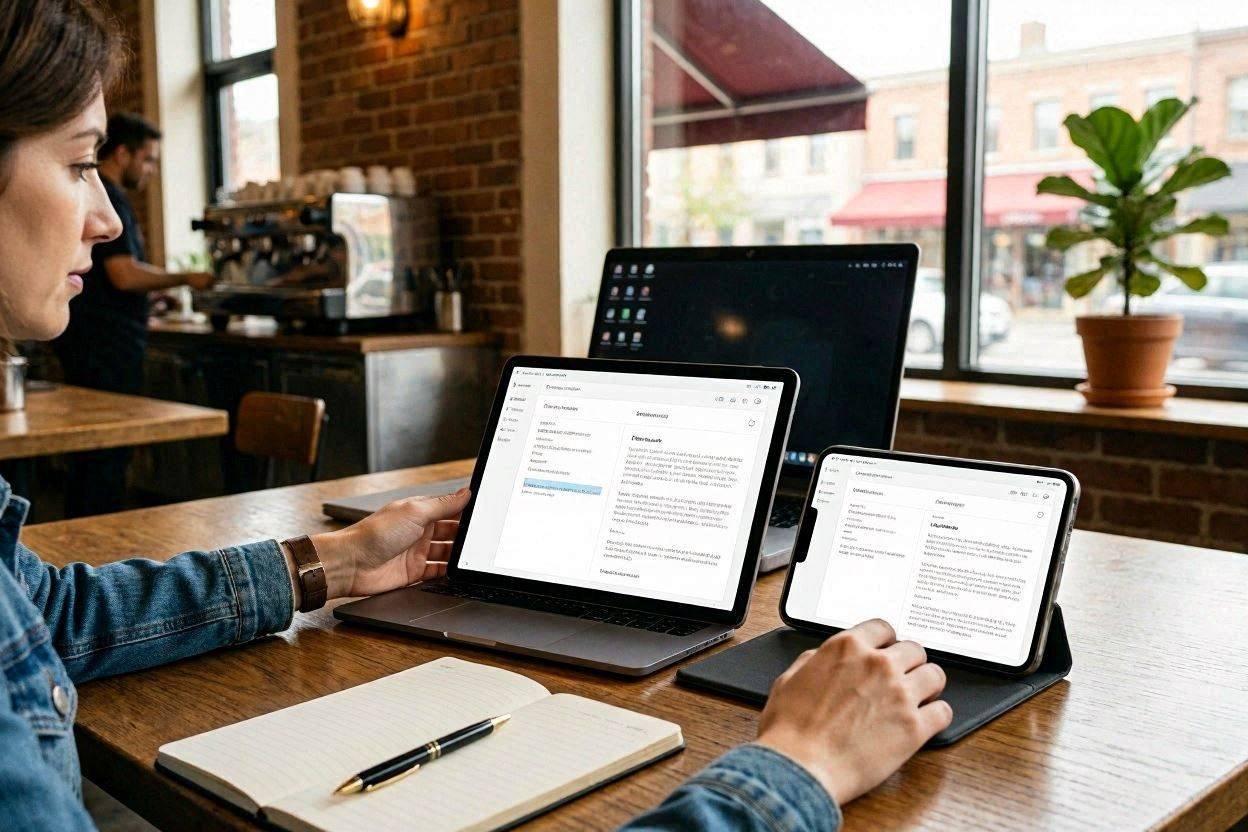
With Continue On, you can start a task — like editing a document or composing a message — on one device and pick up right where you left off on another, much like how Apple’s Handoff feature works. For now, this works between phones and tablets, but Google plans to extend it to the web too, so you’ll eventually be able to carry tasks over to larger screens as well. Keep in mind that developers will need to build support for this feature into their apps, so it won’t work everywhere right away — but for the apps that do support it, it could make switching devices feel much more seamless.
What’s Missing — and What’s Next
Notably absent: any mention of the Pixel 11 lineup. That’s not unusual — Google typically saves hardware reveals for later in the summer, separate from this software-focused show. Much of what was announced for Android 17 is expected to land on the current Pixel 10 family, including the 10, 10 Pro, 10 Pro XL, 10 Pro Fold, and the Pixel 10a.
The Android Show also set the stage for Google I/O, which followed a week later on May 19, 2026 — Google’s broader developer conference where AI and platform updates typically take an even bigger spotlight.