
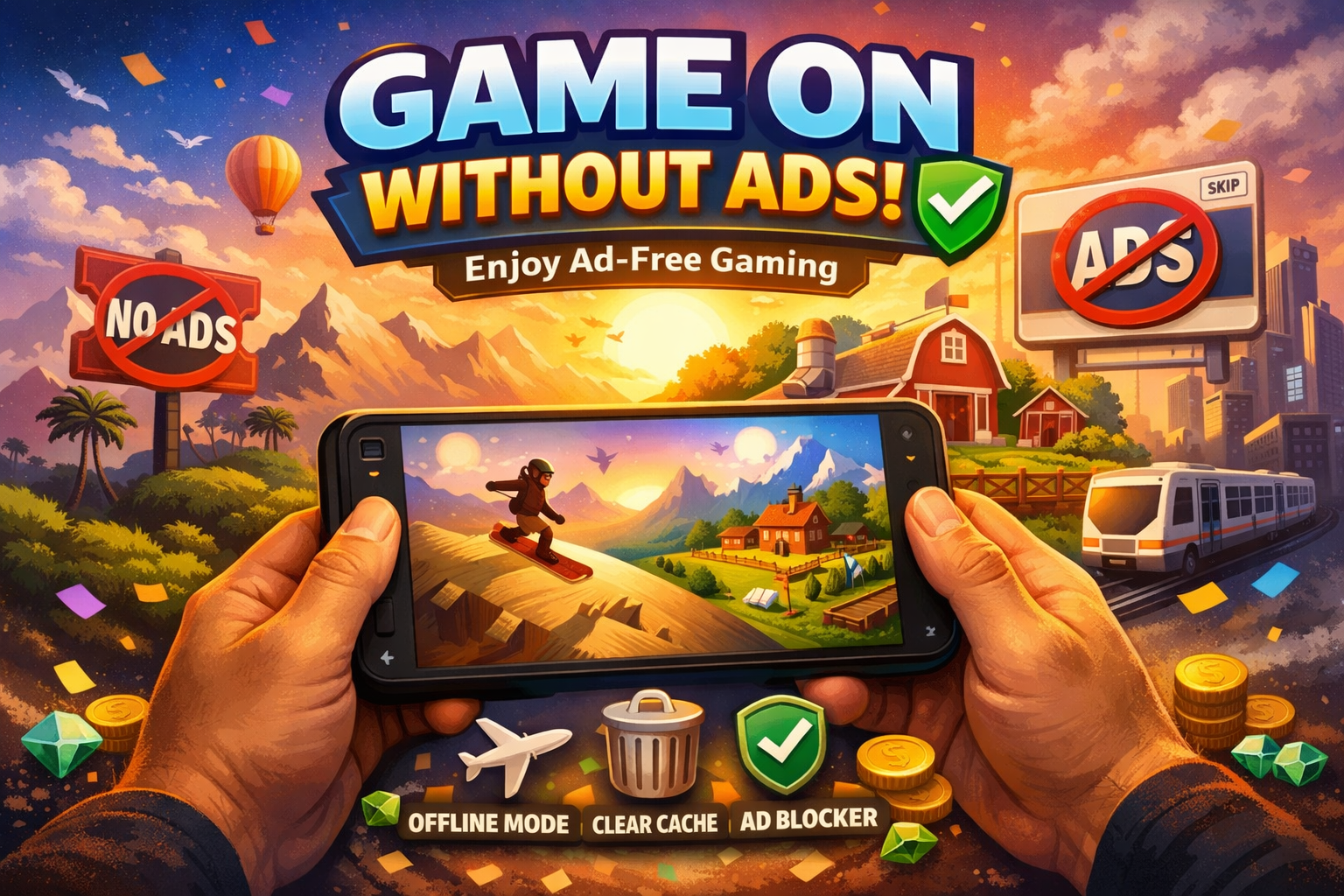
Tired of Ads Ruining Your Game?
There’s nothing more frustrating than being one swipe away from beating a level and—bam—a full-screen ad ruins the moment. Ads in games are more than a mild annoyance: they interrupt your flow, waste data, and can even make short gaming sessions stressful. But here’s the good news: you don’t have to suffer through them.
With some simple tricks, you can remove ads for free and rediscover the joy of uninterrupted gaming.
Why Game Ads Are So Annoying
Game ads come in different flavors:
Banner ads: Small but persistent at the top or bottom of the screen.
Interstitials: Full-screen ads that appear between levels.
Rewarded ads: “Watch this ad to earn a bonus,” often guilt-tripping you.
All of these disrupt gameplay. As mobile gaming expert Sarah Kim explains, “Even brief interruptions break concentration, which is why players report feeling frustrated even during casual sessions.” Understanding the types of ads helps you tackle them effectively.
Airplane Mode: Play Offline to Avoid Ads
Most mobile game ads require an internet connection. Enabling Airplane Mode blocks these ads instantly.
How to do it:
Swipe down your phone settings.
Tap the airplane icon.
Launch your game.
Note: Some online features may not work while offline, so this works best for single-player modes.
Clear Cache & Data: Start Fresh
Sometimes ads pop up because of cached data. Clearing your cache can reduce or eliminate them.
For Android:
Go to Settings → Apps → Your Game → Storage → Clear Cache/Clear Data.
For iOS:
Delete and reinstall the game.
Pro tip: Backup your progress first if your game doesn’t sync automatically.
Use Ad-Blocking Apps
Certain apps block ads system-wide, acting like a bouncer for your games. Make sure to choose a reputable ad-blocker, configure it for your games, and enjoy uninterrupted gameplay.
Gaming developer Alex Rivera says, “We often hear from players that ad-blockers improve retention—they can actually enjoy the game without distractions.”
Choose Games That Are Naturally Ad-Free
Some games never include ads. Strategy games, puzzle games, offline indie titles, and premium games often offer pure, uninterrupted fun. Sometimes the easiest solution is simply choosing the right game.
Top Ad-Free Games You’ll Actually Love
Here are some excellent ad-free options:
Alto’s Odyssey: Relaxing visuals, zero ads.
Monument Valley: Mind-bending puzzles without distractions.
Stardew Valley: Farm, fish, and play in peace.
Mini Metro: Strategic gameplay, fully ad-free.
Dead Cells (Trial): Hardcore action, no pop-ups.
First-hand tip: Playing Alto’s Odyssey offline completely removes any chance of ads, making it one of the most stress-free mobile games available.
Tips to Keep Your Games Ad-Free
Avoid games notorious for heavy ads. Player reviews are gold for this.
Consider small in-app purchases to permanently remove ads.
Use Wi-Fi selectively, as some ads only appear on mobile data.
Stick to offline or ad-free games when possible.
Play Safe: Remove Ads Without Breaking Rules
Not all hacks are safe. Avoid illegal mods, which can lead to device issues or bans. Stick to legal, proven methods:
Airplane mode
Clearing cache
Ad-blocking apps
Naturally ad-free games
Supporting developers ensures they can continue creating the games you love.
Your Games, Your Rules: Enjoy Ad-Free Fun
By following these strategies, you can finally reclaim your gaming experience. No more frustration. No more interruptions. Just pure, fun-first gameplay.
Play Ad-Free Today: Download one of our recommended games and start uninterrupted gameplay.
Share Your Favorite Hack: Know a trick to remove ads in games? Drop it in the comments!
Stay Updated: Subscribe for more ad-free gaming tips and hacks.